Keyboard controls cheat sheet
Every key in the sim on one page: flight controls, cameras, and the commands for starting, stopping and restarting.
Flying
| Key | Action |
|---|---|
| ↑ ↓ or W S | Stick. Down pulls back and the nose rises. |
| ← → or A D | Roll |
| Q E | Rudder |
| = / - | Throttle up and down (also Page Up / Page Down and ] / [) |
| G | Gear up and down |
| F | Flaps: cycles half, full, up |
| H | Arrestor hook up and down |
| B | Speedbrakes |
| Z | Launch from the catapult |
| Space | Fire the selected weapon in the air, and wheel brakes on deck |
| X twice | Eject. The first press arms it for about a second and a half. |
Starting and stopping
| Key | Action |
|---|---|
| R | Restart on the catapult |
| T | Start an approach, 1.2 nm astern |
| U | Start the guided tutorial |
| Enter | Next lesson, when a lesson has finished |
| Esc | Leave the tutorial |
| M | Sound on and off |
| L | Raise or lower the aft lift. Locked out while aircraft are airborne. |
Cameras
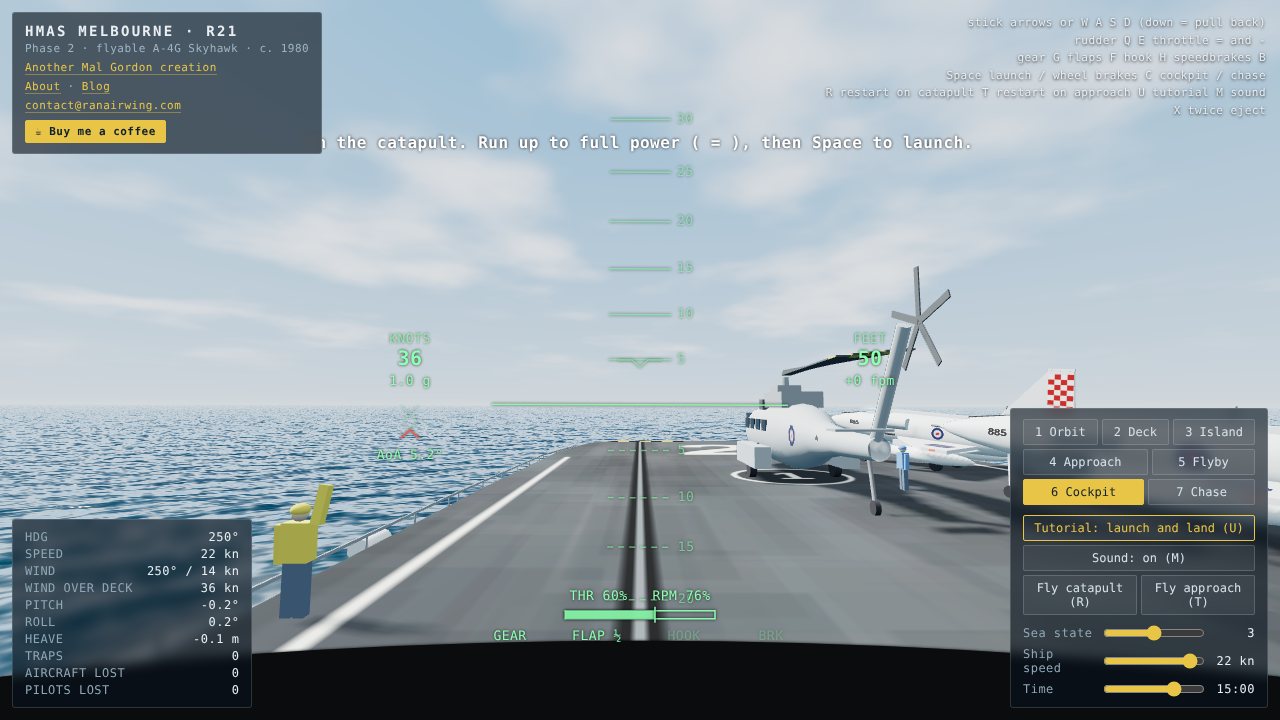
Keys 1 to 7 select Orbit, Deck, Island, Approach, Flyby, Cockpit and Chase. C switches between cockpit and chase. In the orbit-type cameras, drag to look and scroll to zoom. More in seven cameras and when to use each.
Hints
- G only moves the gear when you are airborne. It does nothing on the deck.
- Z launches from the catapult once the engine is at full power; below that the sim reminds you to run up first. Space is the wheel brakes on deck and fires the selected weapon in the air.