Time skip: fast-forward the dull parts
A Time skip control in the menu speeds the whole sim up 2x, 4x or 8x, for transits and waiting.
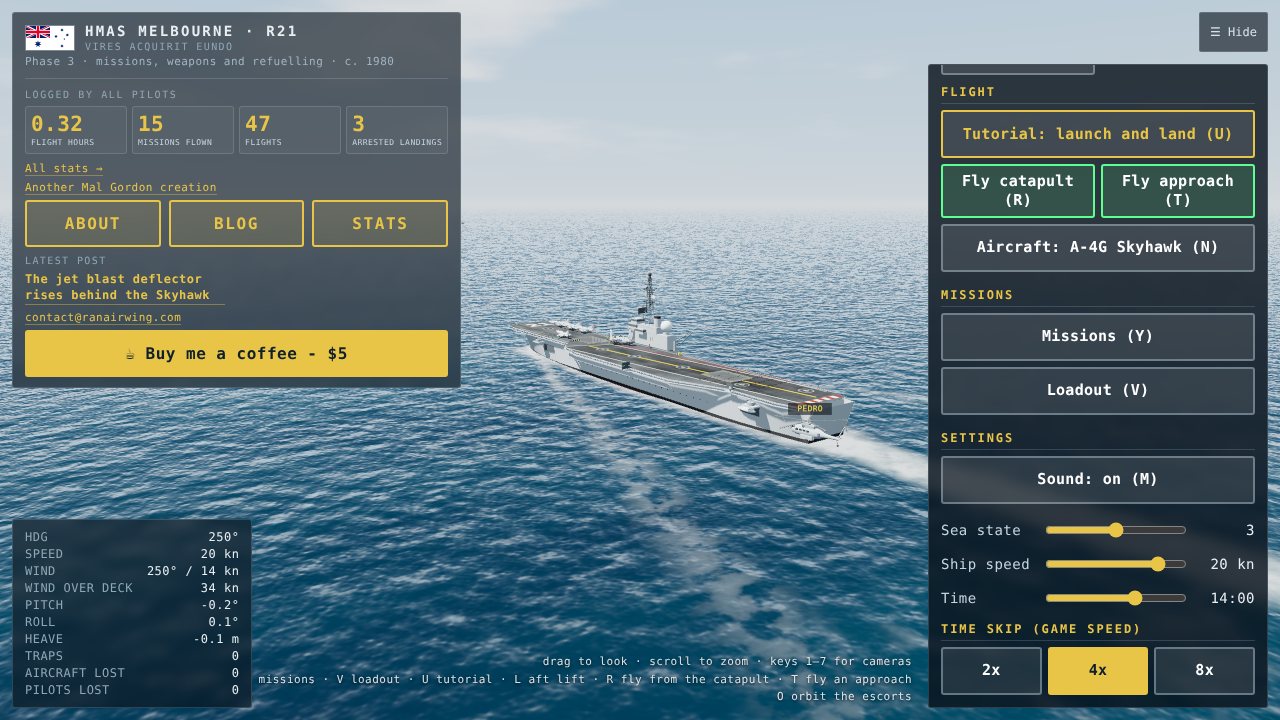
Some parts of a sortie are slow: the transit out, orbiting a tanker's leg, waiting for the next pass. The menu now has a Time skip row that speeds the whole sim up so you can get through them.
How to try it
- Open the menu and scroll to Time skip (game speed).
- Press 2x, 4x or 8x. Press the same button again to return to normal speed.
What it does and does not do
- Everything runs faster together: your aircraft, the ship, escorts, waves, fuel burn and the mission clock. Each extra step is a full-size physics step, so the flying itself stays stable.
- It is meant for cruising. Drop back to 1x before the approach or an attack: at 8x there is very little time to react.
- It does not run backwards. Rewinding is not built.
- The Time slider is unchanged and still sets the time of day.
- Missions and Loadout screens pause the sim as before.