Simpler weapon selection and firing
The sim now remembers your weapon by name and switches for you when it runs dry, so K always fires what the HUD says.
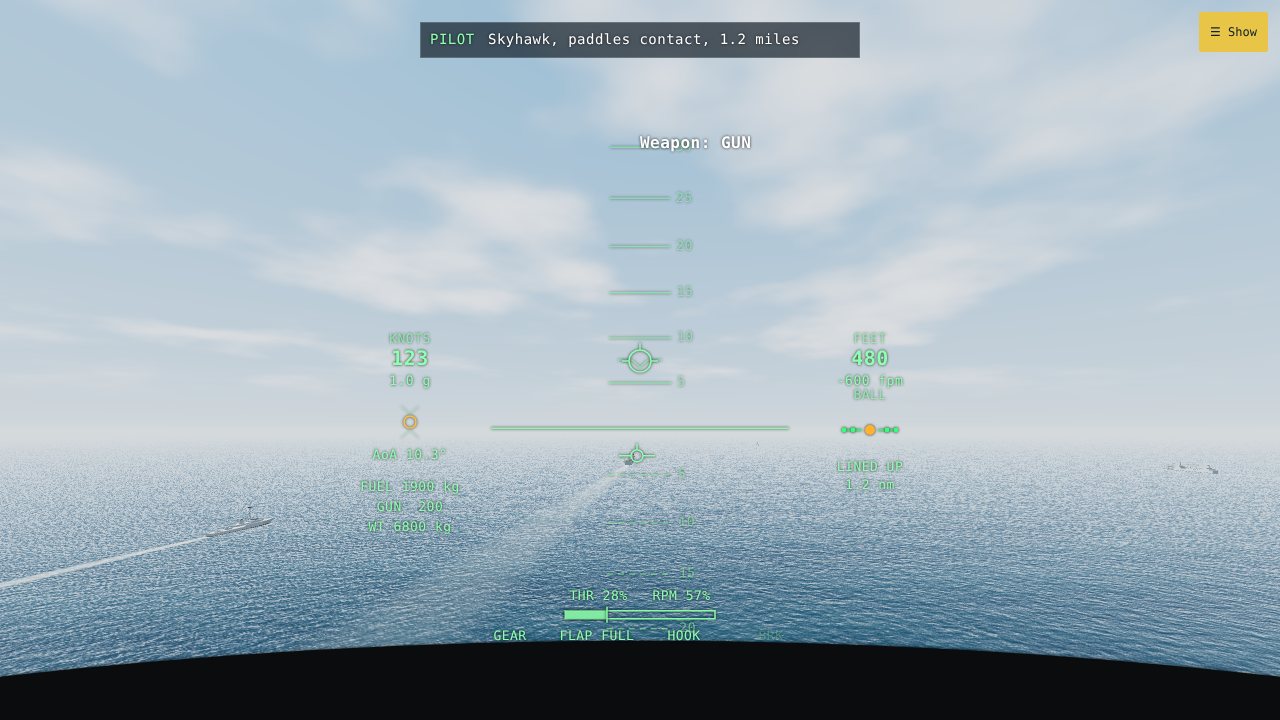
Weapon selection used to be a position in a list. Fire the last bomb and the list shrank, so the selection could quietly land on a different weapon and the next press of the fire key did something you did not expect.
What changed
- The selected weapon is remembered by name (gun, rocket, bomb, AIM-9B, torpedo or depth charge), not by its place in the list.
- When a weapon runs out, the sim switches to the next one that still has rounds or stores and shows
Weapon: ...on screen. The Skyhawk gun now drops out of the list at zero rounds instead of sitting there empty. - I still cycles through what you are carrying. Space fires the selected weapon: hold it for the gun and rockets, tap it for bombs, torpedoes, depth charges and missiles. J still jettisons all stores.
Try it
Pick a loadout with V, fly, press I to cycle and Space to fire. Empty a weapon and watch the HUD move to the next.
Still approximate
The order of the cycle (gun, AIM-9B, rocket, bomb, torpedo, depth charge) is a game choice, not a procedure from the real aircraft.
Key change
Fire is now Space in the air (it is still the wheel brakes on deck), and the catapult launch moved to Z.