Pick your aircraft with a button
The menu now has a separate button for each flyable aircraft, the A-4G Skyhawk and the S-2 Tracker.
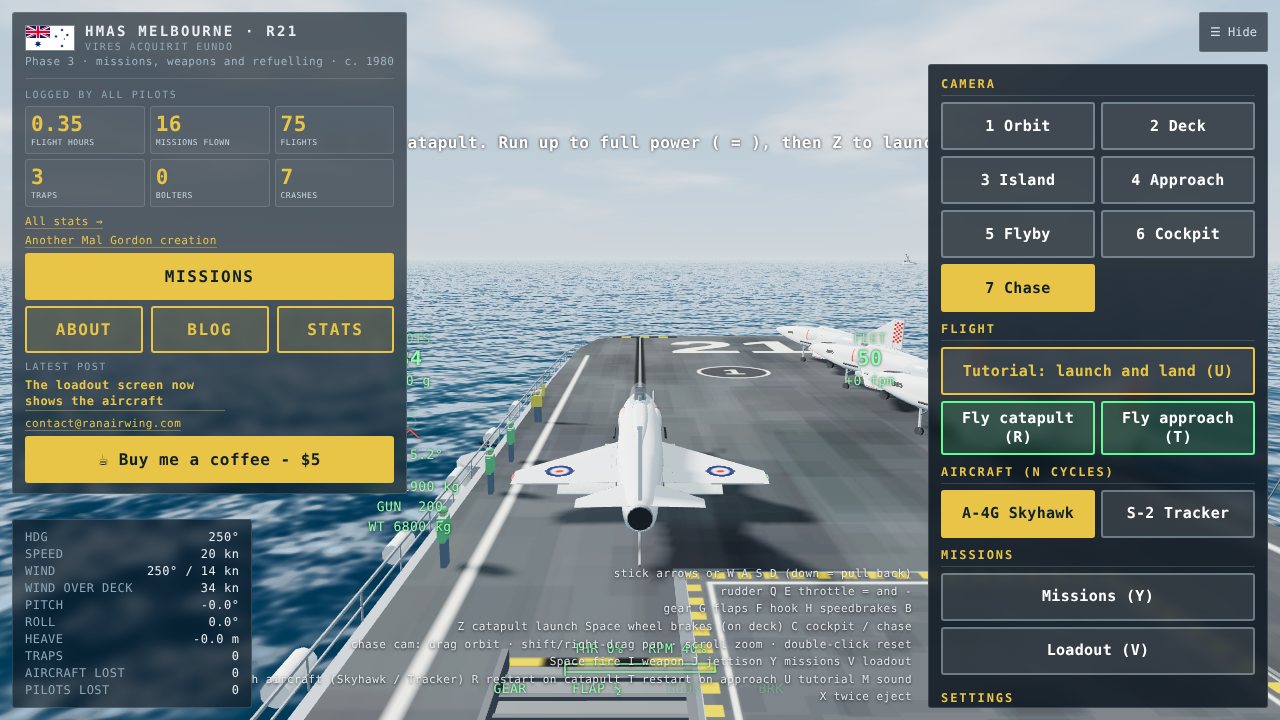
Until now one button cycled between aircraft. The menu has a button for each: A-4G Skyhawk and S-2 Tracker. The one you are flying is highlighted.
How to try it
Open the menu and click an aircraft. The sim stops any tutorial, loads that aircraft and puts it on the catapult. Clicking the aircraft you are already flying does nothing. The N key still cycles between them.
What is still approximate
The Sea King is not flyable yet, so it has no button.